

*2 mins read
How to Print on Cardstock - A Step-by-Step Guide for Perfect Results
Publish Date
July 13, 2026
Written by
Emily Chris Kieran
First check your printer’s maximum weight limit and other important settings to successfully print on cardstock. Load the thick paper into the manual rear tray. Change your system setting to “heavy paper” or “cardstock”. Run a single test print. The printed inks take some time to dry.
Figuring out how to print on cardstock can feel complicated. You face some issues like the paper jams or the ink smears. You want crisp and professional results for your business materials. Cardstock gives your brand a luxurious feel and creates a memorable unboxing experience.
Printing on cardstock with correction can save you both time and money. You avoid wasting expensive paper. Professional prints make your business cards, product inserts, and packaging prototypes look amazing. Customers notice high-quality materials instantly.
This cardstock printing guide gives you the exact steps for success. You will learn the right settings to use and the best paper weights for your machine. We will fix common paper jam issues together.
Lets understand how to print on cardstock easily.
Important Points
Check the weight limit of your printer.
Use a rear feed tray to prevent paper jams.
Update printer settings to heavy paper before printing.
Print a test sheet to check the colors and ink.
Allow inkjet prints to dry completely in order to prevent smearing.
What Is Cardstock?
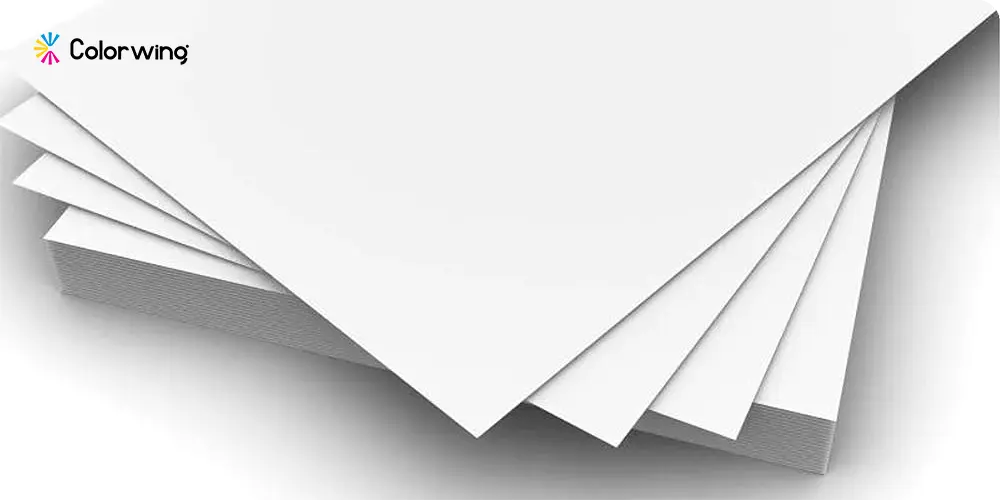
Cardstock is a strong and thicker type of paper. It is composed of cellulose wood pulp fibers pressed under heat and pressure into a dense sheet. Printing companies use cardstock for various printing products including invitations, greeting cards, business cards, and product packaging.
Cardstock is much thicker and heavier than standard copy paper. This thickness is measured in pounds or grams per square meter in paper mills. The weight of regular copy paper is usually around twenty pounds. The weight of cardstock starts at sixty five pounds and increases from there. This extra weight makes a huge difference for cardstock paper printing. Thick paper feels premium in the hand. It instantly tells your customers that your brand values high quality.
When people ask, can you print on cardstock easily, the answer is yes. It’s all possible with the right setup.
Printing on cardstock gives your business materials a solid professional edge. You need that sturdy feel for items that get handled frequently.
Brand recall is significantly increased when you use thick paper. The heavy weight of the box naturally indicates a high-quality product inside.
Types of Cardstock You Should Know Before Printing
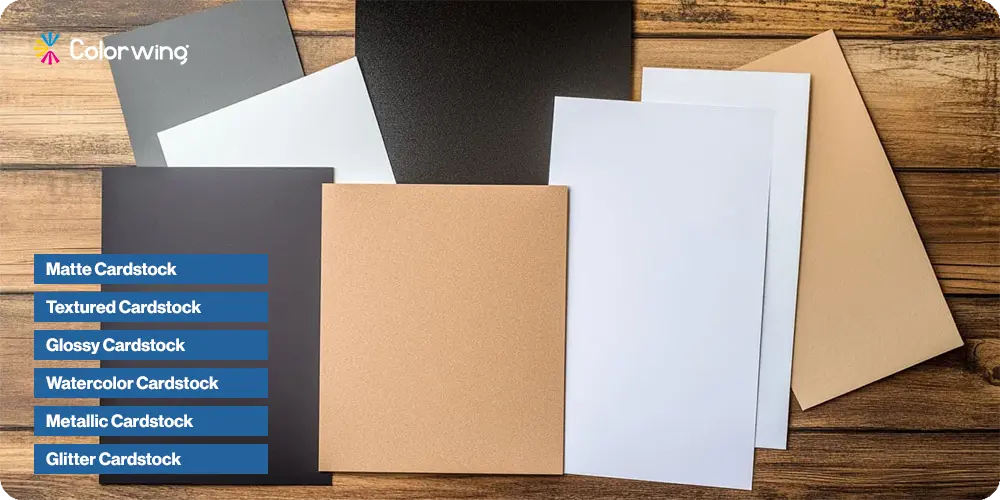
Choosing the right right paper weight is mandatory for a successful cardstock paper printing. There are numerous choices available in the market including light, medium, heavy and extra thick cardstock. The weight ranges from 65 lb to 110 lb and so on.
We can also categorize cardstock based on its surface nature. Here are some of them:
Matte Cardstock
Textured Cardstock
Glossy Cardstock
Watercolor Cardstock
Metallic Cardstock
Glitter Cardstock
Coated cardstock has a slick surface. It stops ink from soaking in. In this way, colors remain bright and sharp. A cardstock with an uncoated surface absorbs ink quickly, making it an ideal surface for writing.
Type | Weight | Best For |
Light | 65 lb | Layering, die-cutting, light home printing |
Medium | 80 lb | Postcards, invitations, standard home printers |
Heavy | 100 lb | Professional flyers, premium invitations |
Extra Heavy | 110 lb+ | Business cards, commercial print shops |
Most standard printing machines can handle 65 lb and 80 lb easily. With basic home models, you run the risk of paper jams once you reach 100 lbs or more. Knowing how to print on cardstock means matching your paper type to your specific printer limits. The printing of heavy weights often requires the services of a professional printing company.
How to Print on Cardstock? Step-by-Step Process Guide
Cardstock is a renowned material used for various products and diverse applications. It is the best choice as compared to thin paper that breaks down easily with little effort.
You can easily perform printing on cardstock by following the right steps. It only takes some time to set up your machine and materials.
Follow these steps for perfect results.
Step 1: Check Your Printer's Maximum Paper Weight
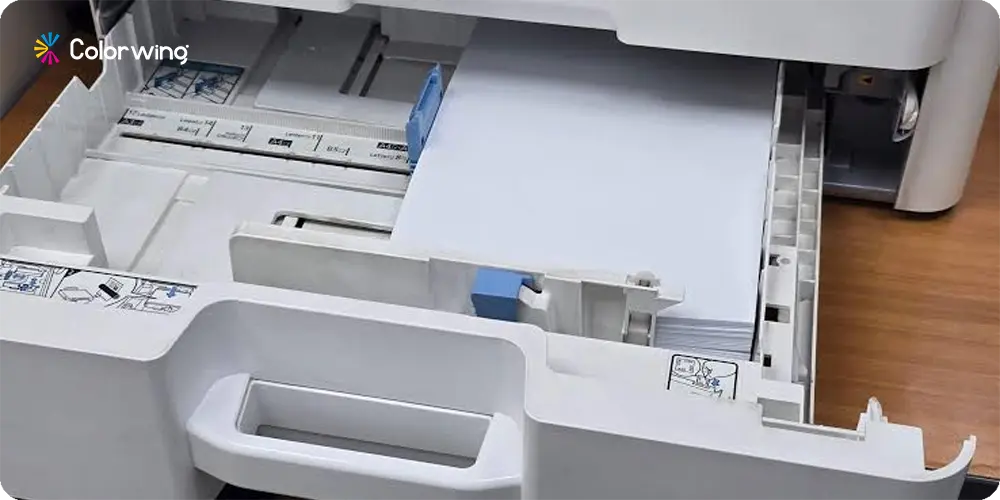
Experts always recommend checking the specific paper weight limit first. Alternatively, you can visit the manufacturer website or consult the user manual. The majority of standard inkjet and laser printers can handle paper up to 80 lb or 110 lb.
Find these specs easily on printers websites as they mention it clearly. It is not a wise decision to force heavier stock into your machine. Forcing thick paper causes frustrating jams and can break the internal rollers. Knowing your exact limits makes printing on cardstock a smooth and easy process for your business.
Step 2: Choose the Right Cardstock for Your Project
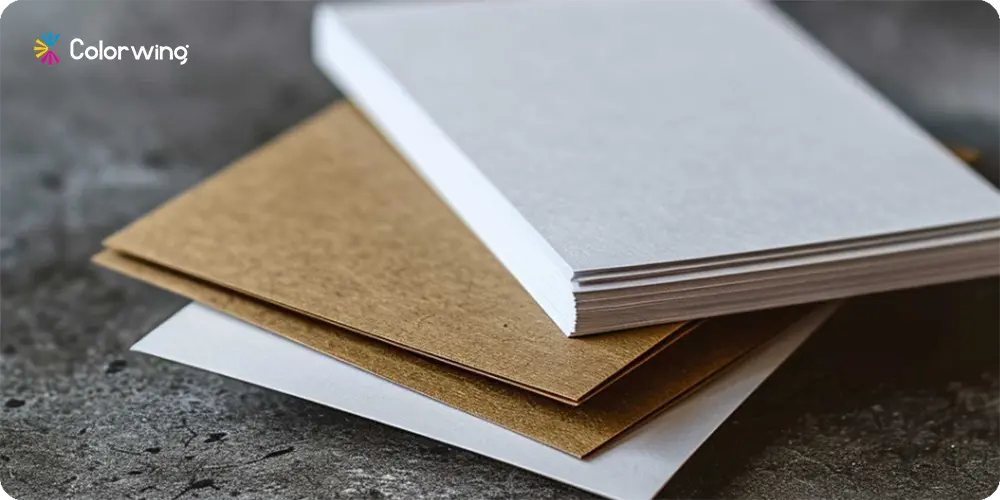
Match your paper finish directly to your business goals. Most people think that heavy cardboard is always better. It is not a good choice if your printer is not capable of handling this thickness.
Choose a glossy finish for bright images if you are making colorful postcards.
Choose an uncoated finish so customers can write easily If you are making reply cards.
If you are testing custom packaging ideas, stick to 80 lb stock for easy folding.
Selecting the proper material makes learning how to print on cardstock paper much simpler. The right choices will improve your overall cardstock paper printing results.
Step 3: Adjust Your Printer Settings
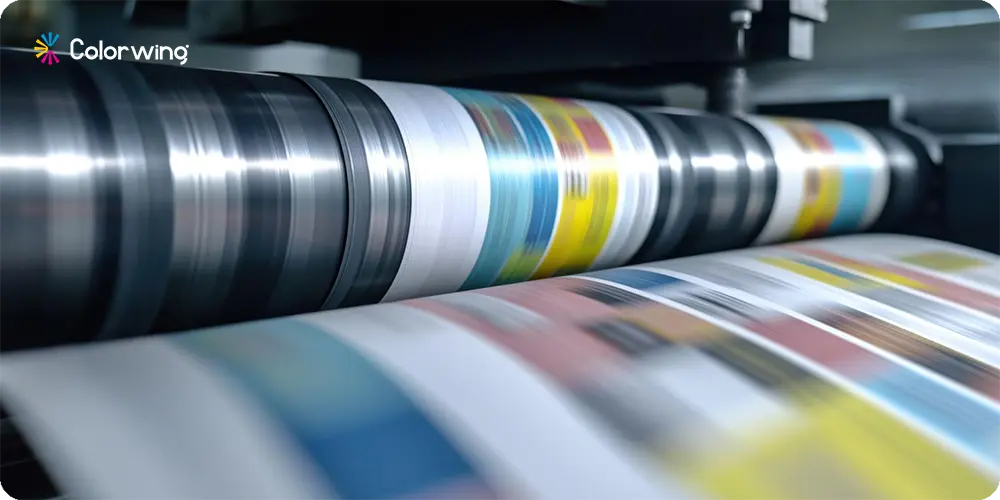
Changes to system settings are crucial. The most common cause of ink smearing and internal jams is the wrong settings. Make sure that your machine knows exactly what paper it is handling.
Open your print dialog box on Windows or Mac.
Find the "Paper Type" menu.
Change the setting to "Cardstock" or "Heavy Paper."
Change print quality to "High."
Confirm your exact paper size, especially if learning how to print on 5x7 cardstock.
These adjustments slow down the print rollers. A slower speed helps ink bond properly when printing on cardstock. This is the trick to figuring out how to print on cardstock perfectly.
Step 4: Load the Cardstock Correctly Into the Tray
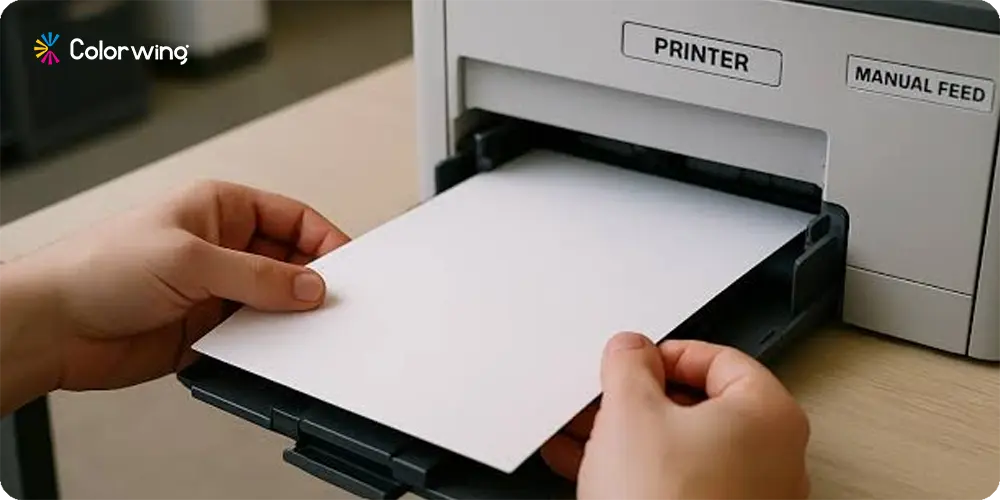
Most printers prefer you use the manual feed or rear tray for thick materials like card stock. This keeps the paper path completely straight. A straight path prevents the thick paper from bending around tight internal rollers. Pay attention to the print-side orientation. Check if your machine prints on the top or face-down side. Loading cardstock in printer trays correctly is important. Give it one sheet at a time if you are nervous. Better safe than a paper jam at 2 am. Loading sheets individually is the smartest way to manage how to print on card stock.
Step 5: Run a Test Print First
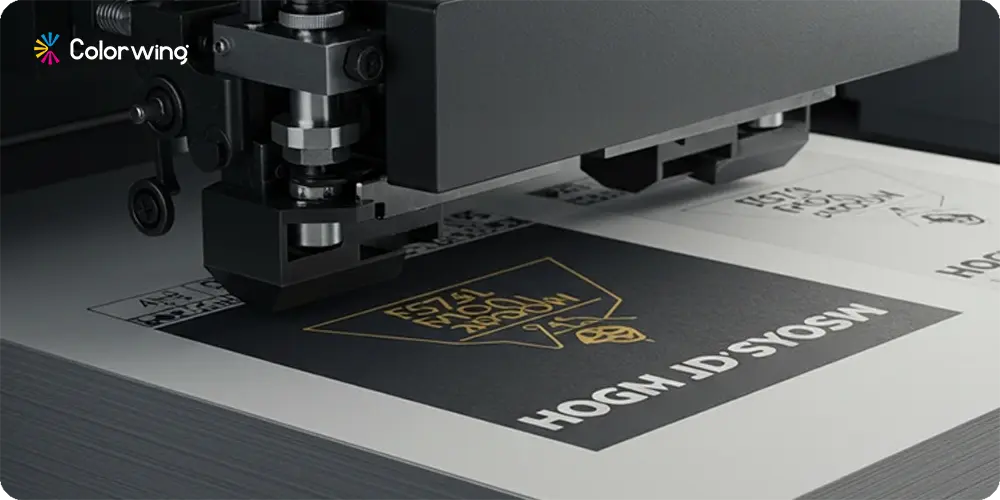
Always run a test on a single cardstock sheet before printing a full batch. Check the final result for color accuracy, ink smearing, proper alignment, and paper curl. Test prints act as the professional's secret weapon. They prevent supplies from being wasted and save you money. The small business owner with a limited budget must take this step.
Step 6: Let the Ink Dry Completely
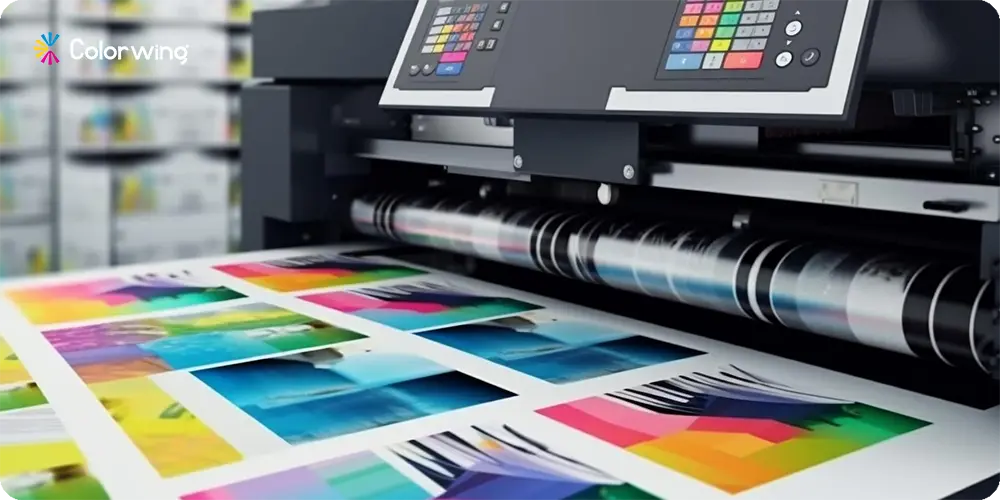
Drying times differ greatly between machines. It takes several minutes for inkjet printers to dry wet ink. Laser printers use heat, making the page ready almost instantly. Never stack freshly printed inkjet pages together. Stacking causes terrible smearing and ruins your hard work. Lay your sheets flat in a single layer across a clean table to dry. This simple habit guarantees beautiful results when printing on cardstock.
How to Print on Black Cardstock Specifically?
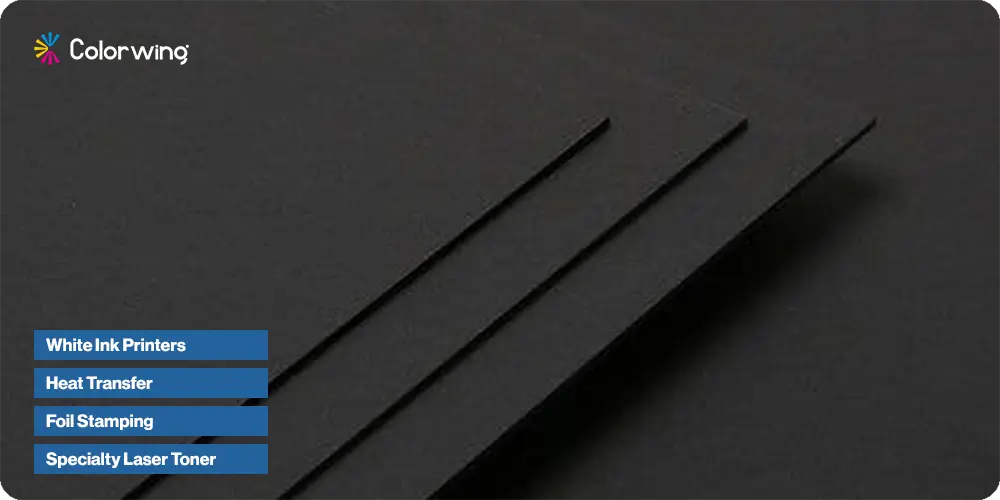
You can print on black cardstock with proper knowledge. The ink in standard printers is transparent. When you print standard colors onto black paper, the ink is completely invisible. The majority of standard home printers cannot handle this job natively.
When it comes to making designs pop on dark paper, you'll need special techniques. There is nothing like black paper for high-end holiday cards and luxury custom boxes.
Here are the best ways to print on dark materials.
White Ink Printers - These machines use opaque white toner to create solid base layers.
Heat Transfer - Use special transfer papers and heat presses to apply bright designs.
Foil Stamping - Commercial shops press metallic foil directly into the heavy paper for a premium look.
Specialty Laser Toner - Some advanced laser printers accept neon or white toner cartridges.
Learning how to print on black cardstock usually means outsourcing to a pro. Small businesses get better ROI when they let professional printing companies handle dark materials.
Final Thoughts: Your Cardstock Printing Checklist
You now have a blueprint for successfully printing thick materials. You can achieve professional results through a trusted vendor like ColorWing. It is important to follow the right steps to succeed in this matter.
Here is a simple checklist for your next cardstock printing project:
Confirm your machine's maximum weight limit.
Select the correct finish for your specific design.
Update system settings to "Heavy Paper" or "Cardstock."
Feed pages straight through the rear manual tray.
Print a single test page first.
Let the finished pages dry completely flat.
Tackling how to print on cardstock gives your business a major appearance upgrade. When you use high quality materials, your customers will feel more confident. Now that you have set up your machine, run a quick test page. In this way, you can start mastering cardstock paper printing.
Skip the home printer headaches entirely. Partner with ColorWing, the leading US packaging supplier. We deliver premium cardboard packaging supplier solutions featuring sustainable materials and physical samples. Enjoy free design support and free shipping directly to your business. Let our professionals take care of the heavy lifting for you now.

Emily Chris Kieran
Meet Emily Chris Kieran, a seasoned packaging industry writer with 7+ years of experience in the printing and packaging sector based in Texas. With a keen eye for color and a passion for data-driven insights, Emily crafts compelling content strategies that explore the intricacies of packaging and printing. She possesses in-depth knowledge of the industry's dynamics, staying up-to-date on the latest trends and technologies. When she's not delving into industry trends, you can find her unwinding on the golf course, where she finds inspiration and clarity. With a love for polo and a knack for storytelling, Emily brings a unique perspective to the world of packaging, illuminating fascinating facts and trends that inform and engage.